Paralect Agent, and tasks in a sandbox
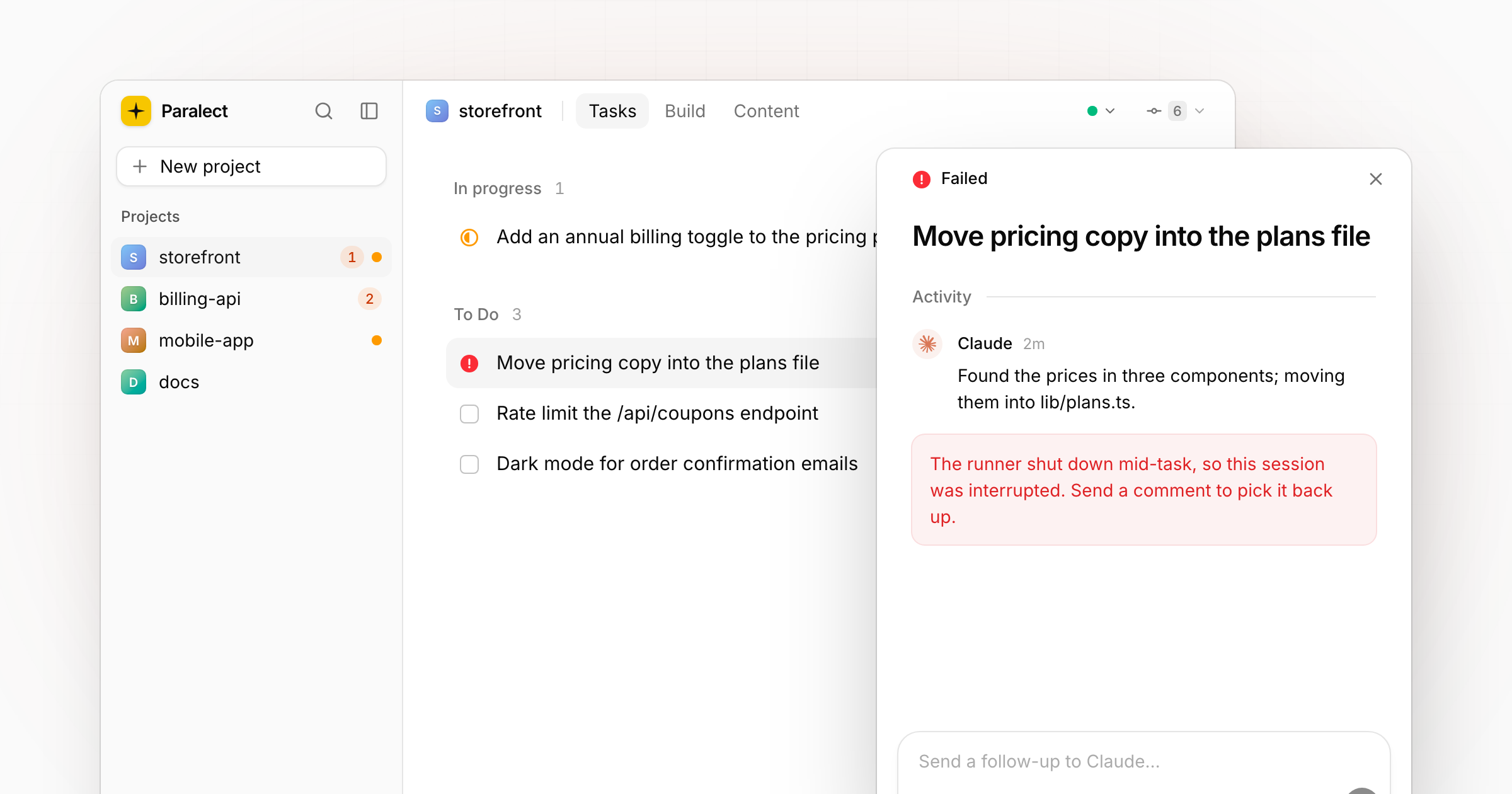
Control Panel is now Paralect Agent, and tasks run in a sandbox that keeps them inside their project.
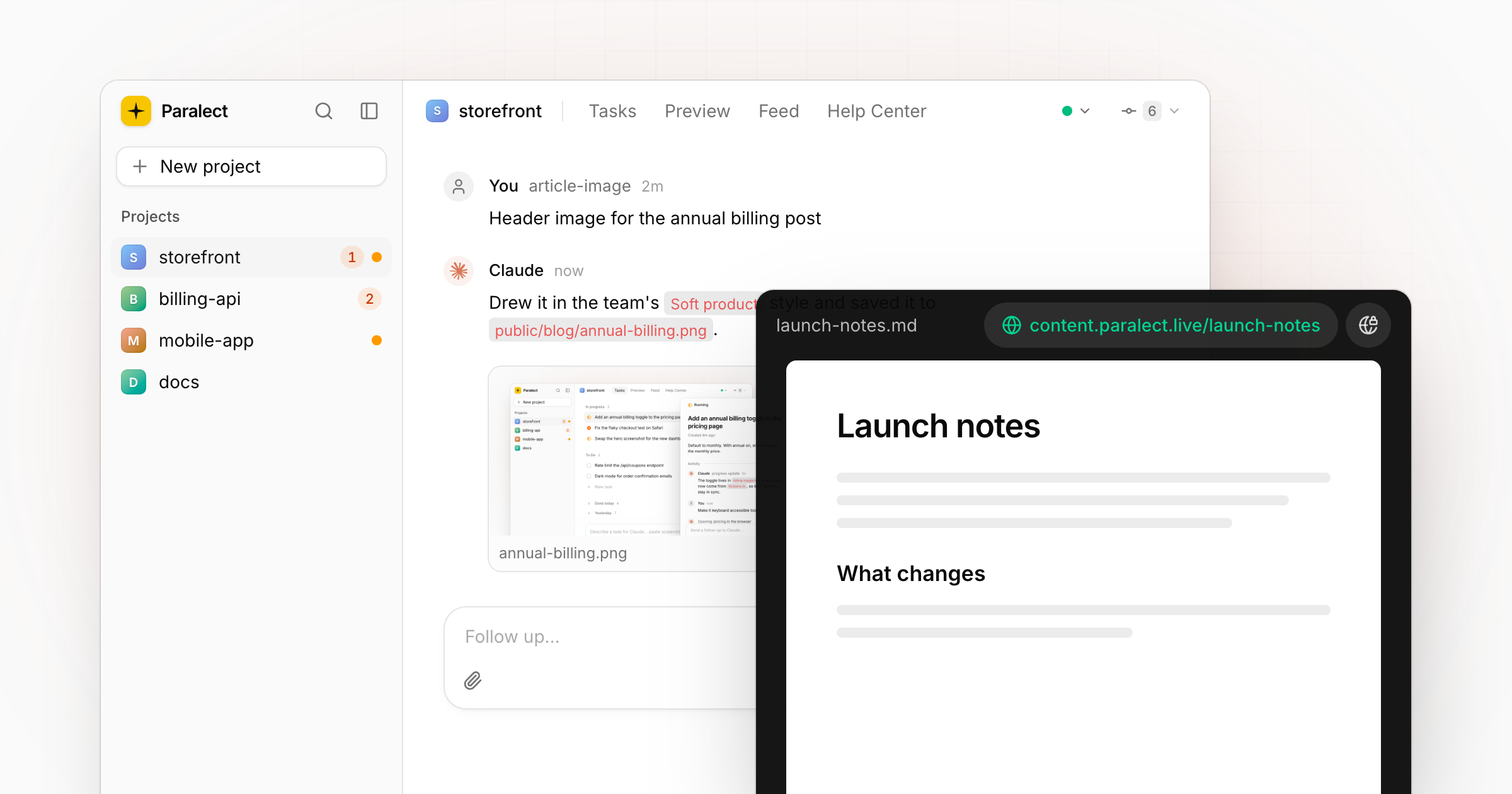
Control Panel has a new name: Paralect Agent. The app, the desktop icon (a black star on a yellow tile) and the landing page all carry it.
Tasks in a sandbox
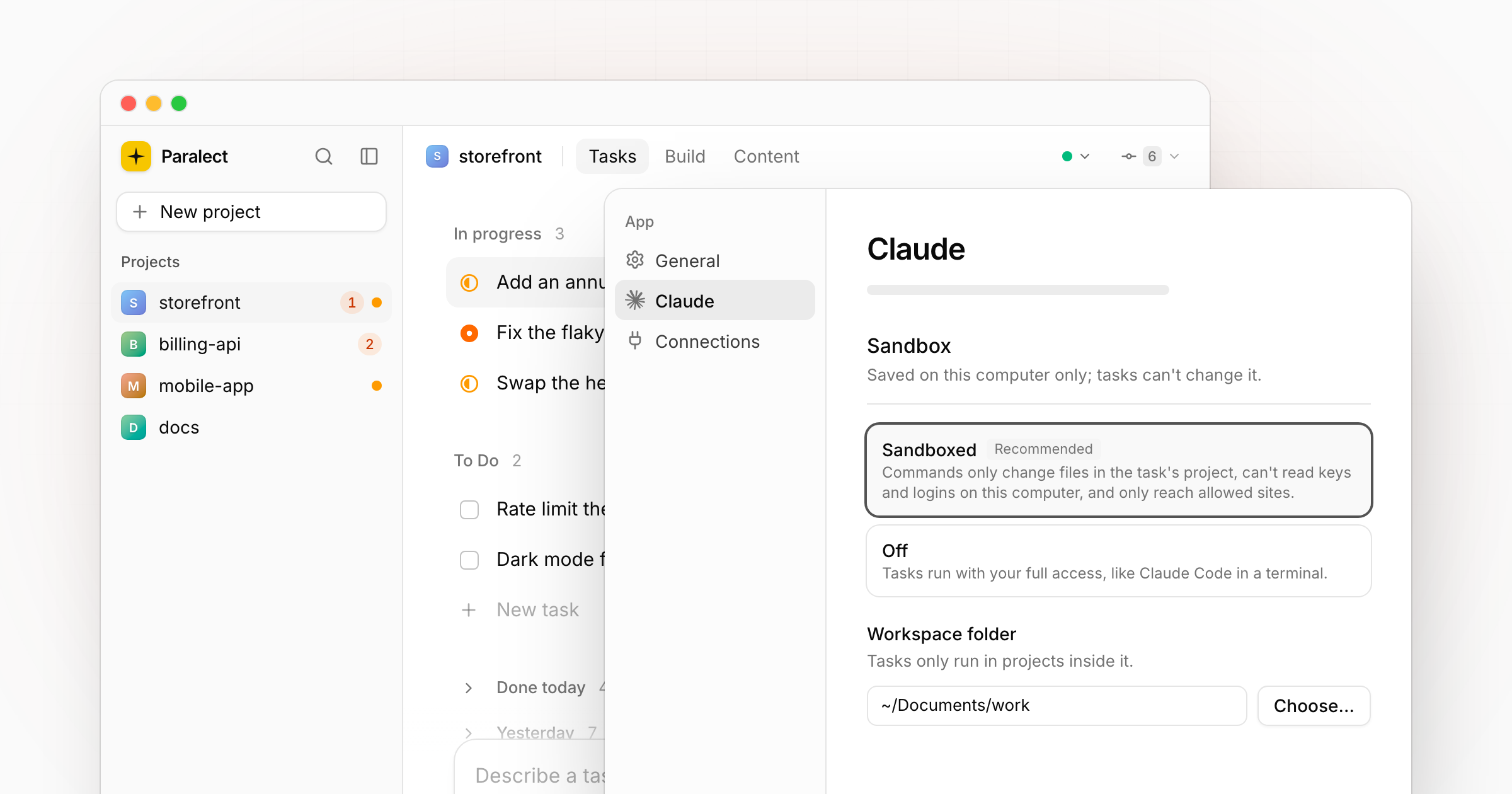
A task can now run in a sandbox. Choose it under Settings → Claude → Sandbox:
- Sandboxed (recommended): commands only change files in the task's own project, can't read keys and logins on your computer, and only reach allowed sites. Pushing and deploying are left to you.
- Off: tasks run with your full access, like Claude Code in a terminal. Only for projects where every task comes from you.
Set a workspace folder, the one that holds your projects, and tasks only run in projects inside it; your Documents, Desktop and other projects' .env files stay out of reach. Changes apply to running tasks with their next comment.
When a task genuinely needs more, Run outside the sandbox in its menu lets it out, approved on this computer only. Rendering videos and taking screenshots run outside the sandbox on their own.
Claude settings for every project
The Claude settings moved to Settings → Claude and apply to all projects on this computer.
Headers for the changelog
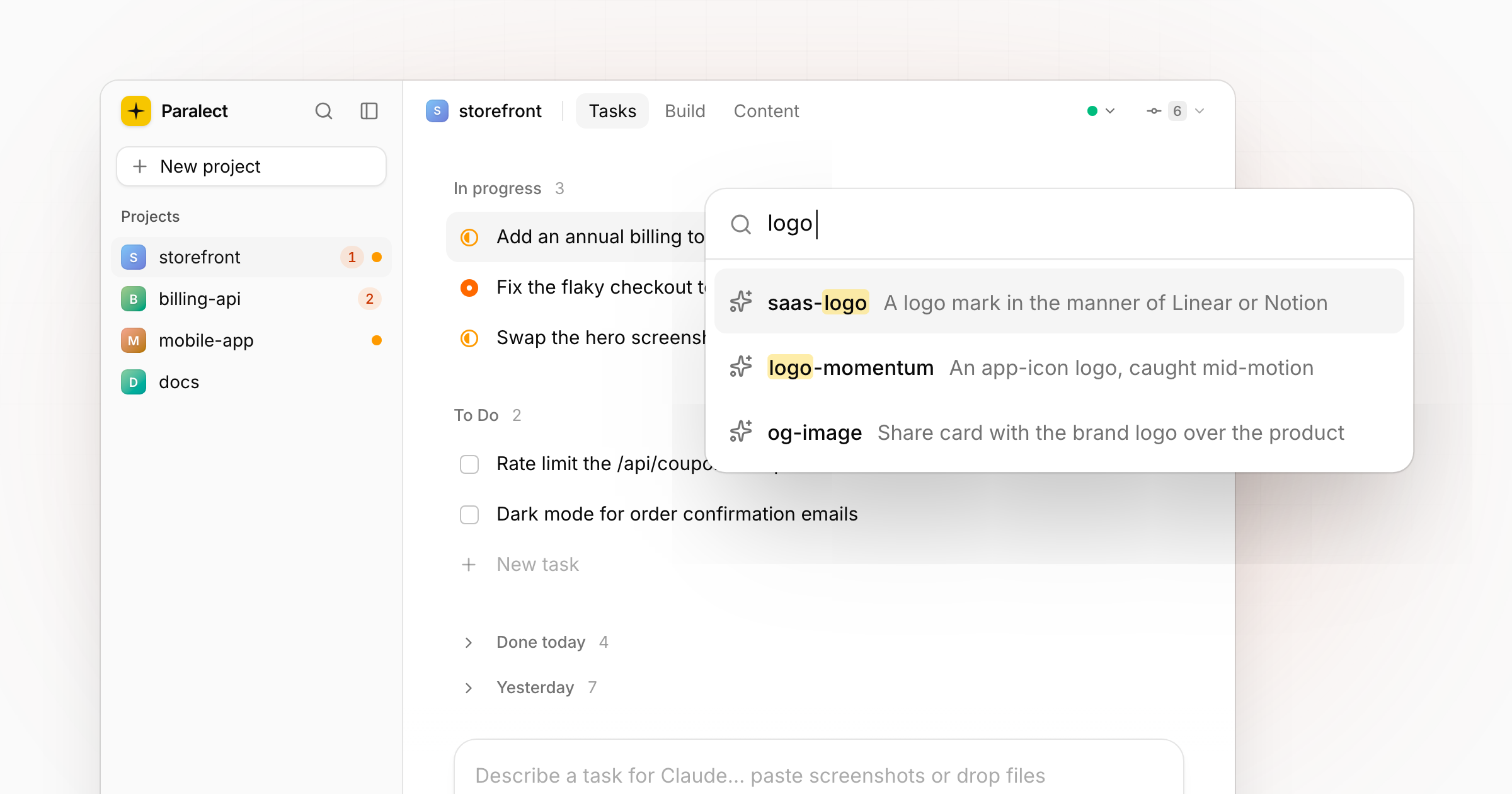
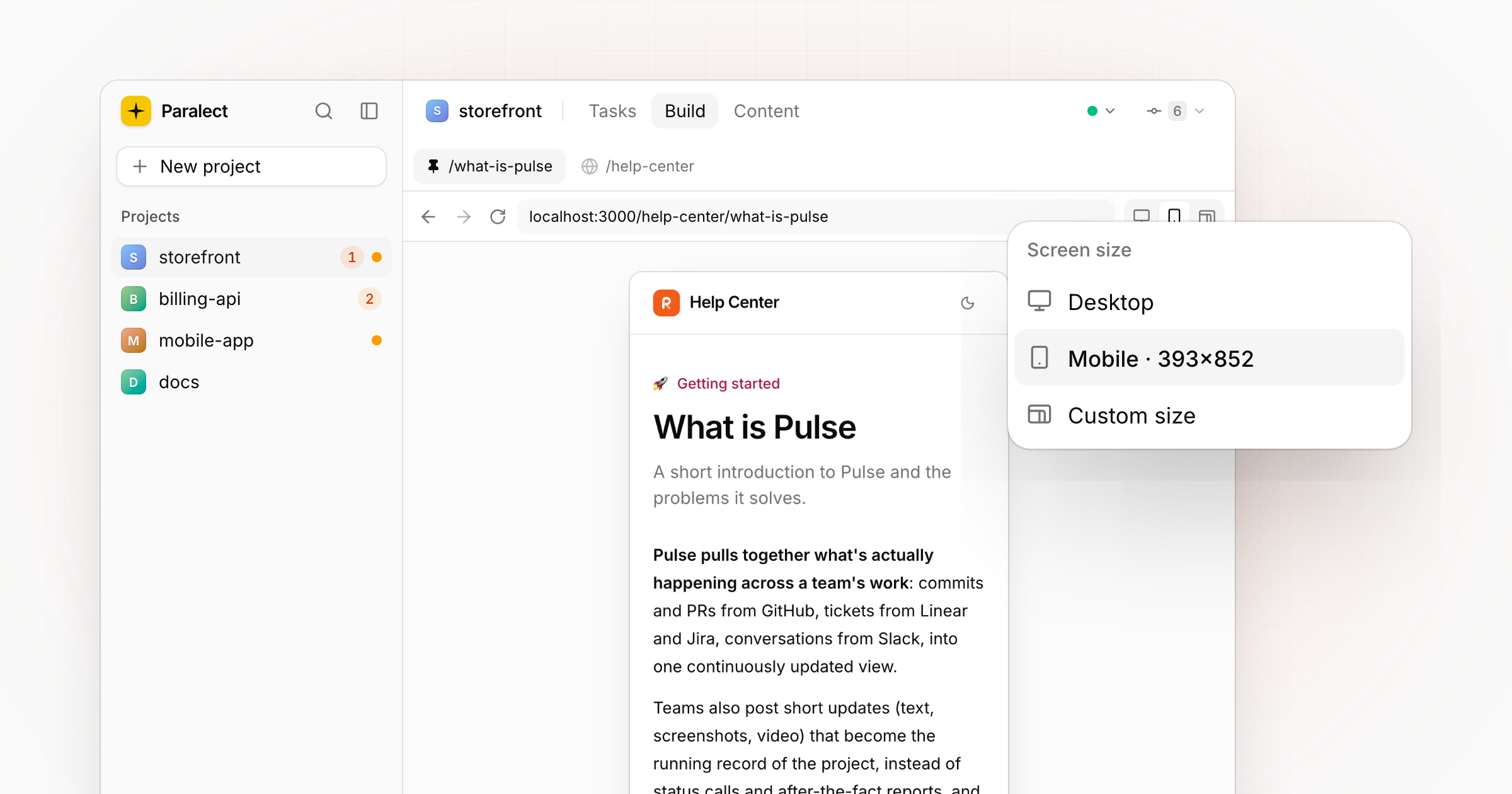
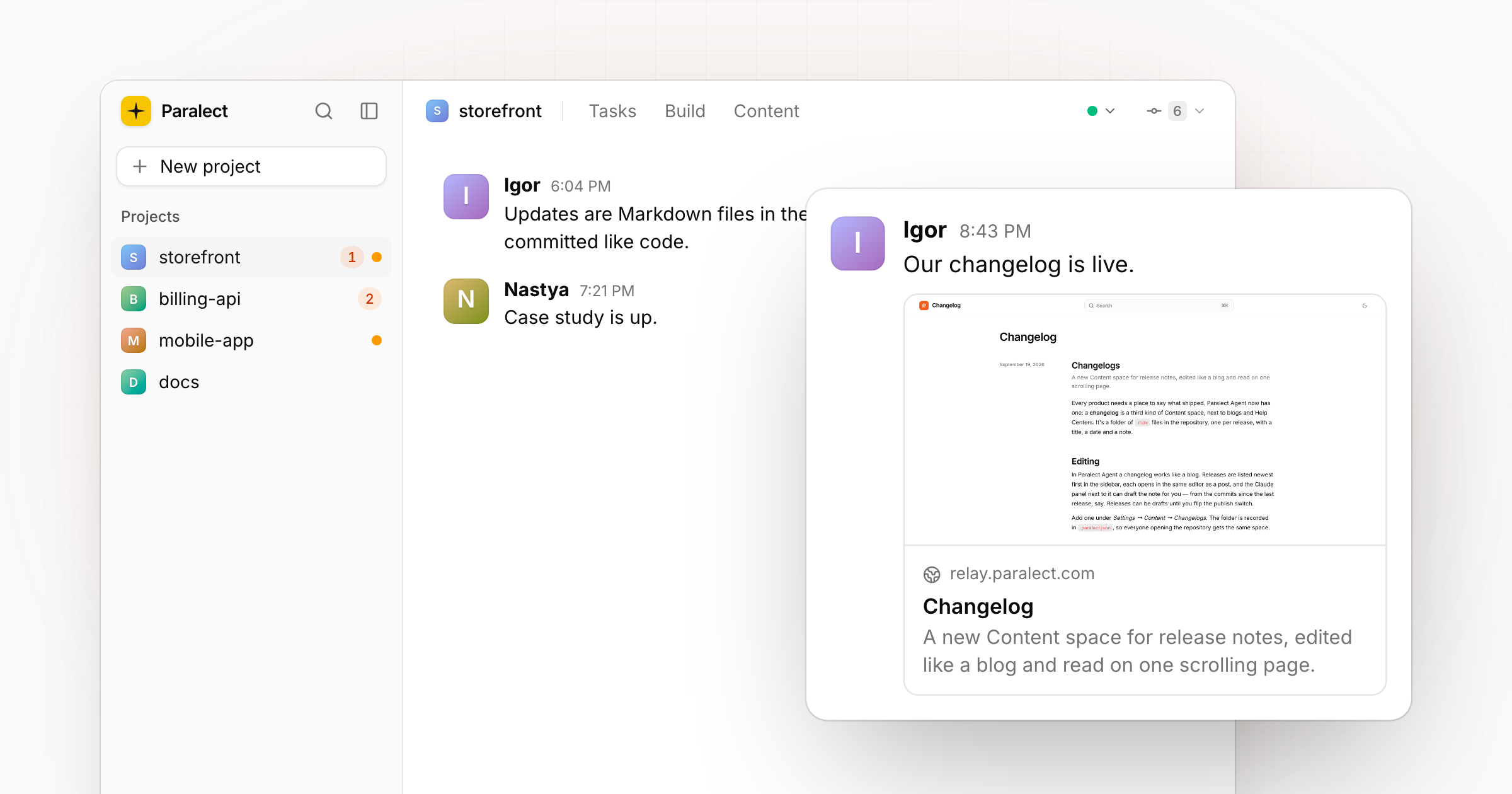
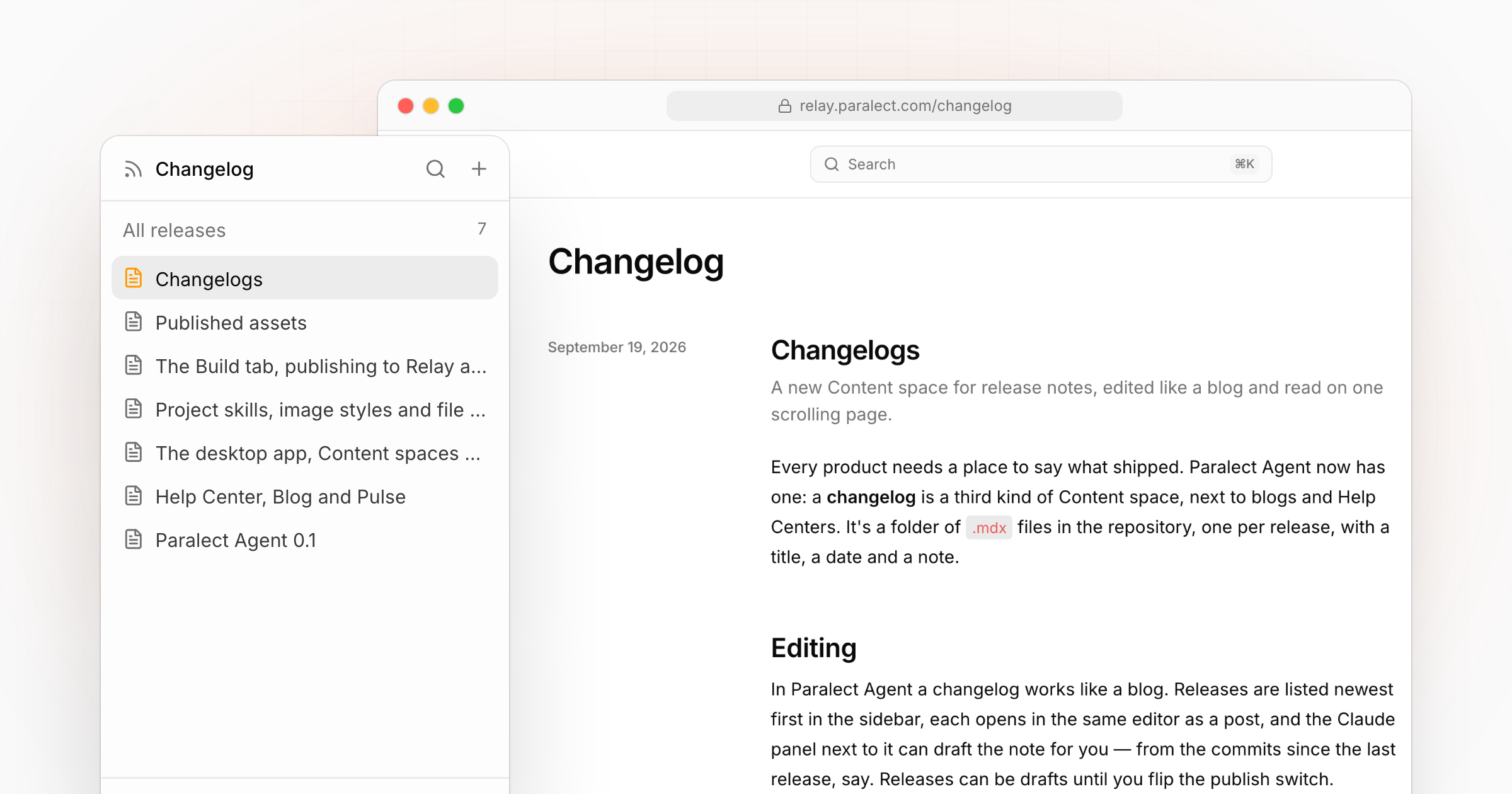
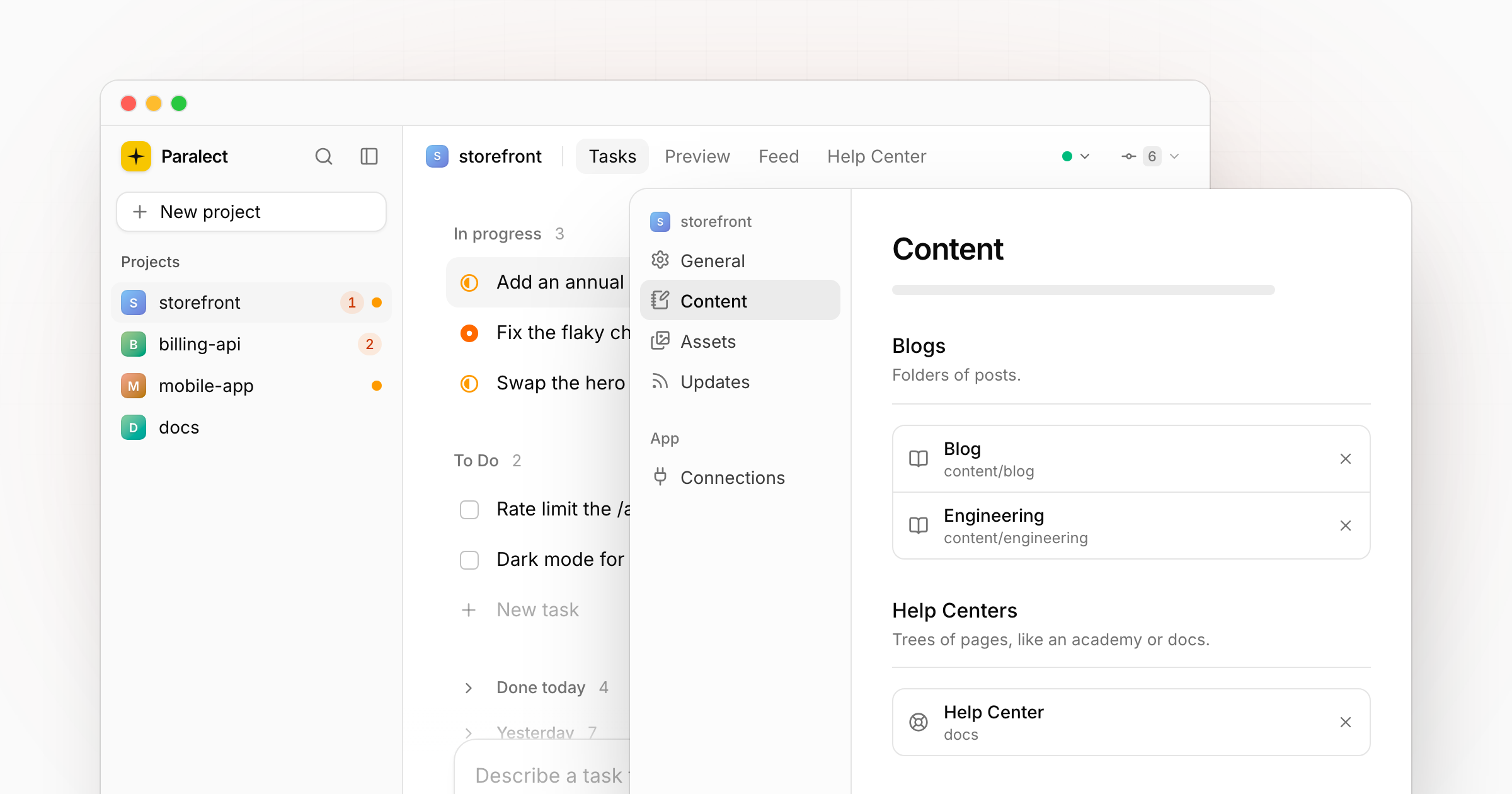
Every release in this changelog now opens with a picture of the part of the app it's about.
Fixed
- A file preview no longer opens a file of the same name from another folder.