Published assets
An image, a video, a page or a document Claude made in a task can be shared at a public link, straight from the chat.
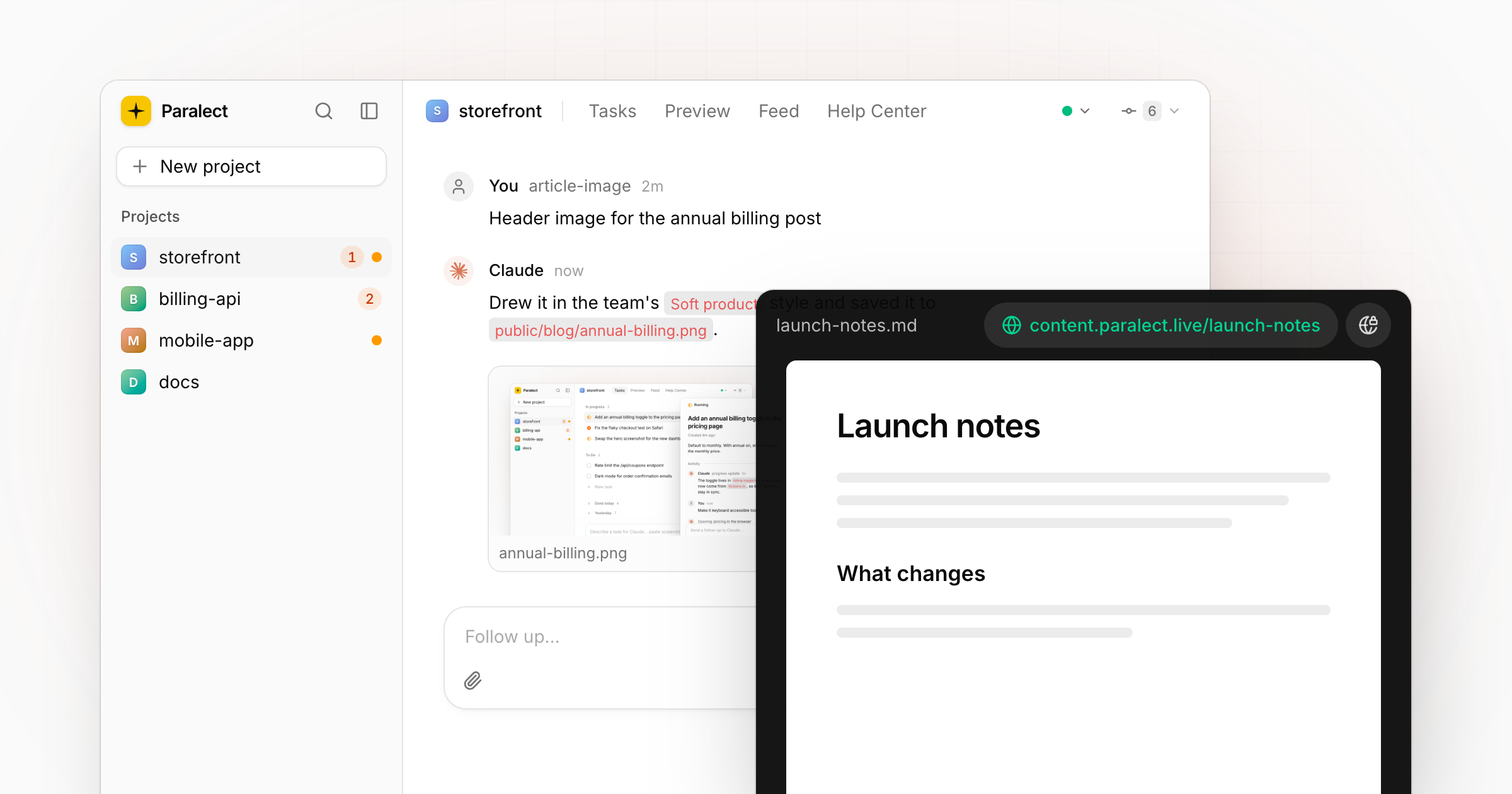
Claude makes files you want to show people: a header image, a demo video, an HTML report, a PDF. Until now they stayed on your disk. Now any of them can be put at a public link from the chat where it appeared.
From the preview to a link
A file Claude produced in a task (an image, a video, an HTML page, a PDF or a Markdown document) opens in a viewer from its preview under the message, with Open file, Show in Finder and Publish. Publishing puts it at content.paralect.live/<slug> and copies the link. Documents are rendered like an article; anything else is served from the CDN.
The link stays green in the viewer's bar while the file is public. Publish again after Claude changes the file and the same link shows the new version; Unpublish takes it down.
Everything published, in one place
Settings → Assets lists everything a project has published, each with its link and an Unpublish button.