Updates as files, a Run window of skills and page views
Updates are kept as Markdown in the repository and show the pages they link to, the Run window leads with suggested skills, and every published page shows who read it.
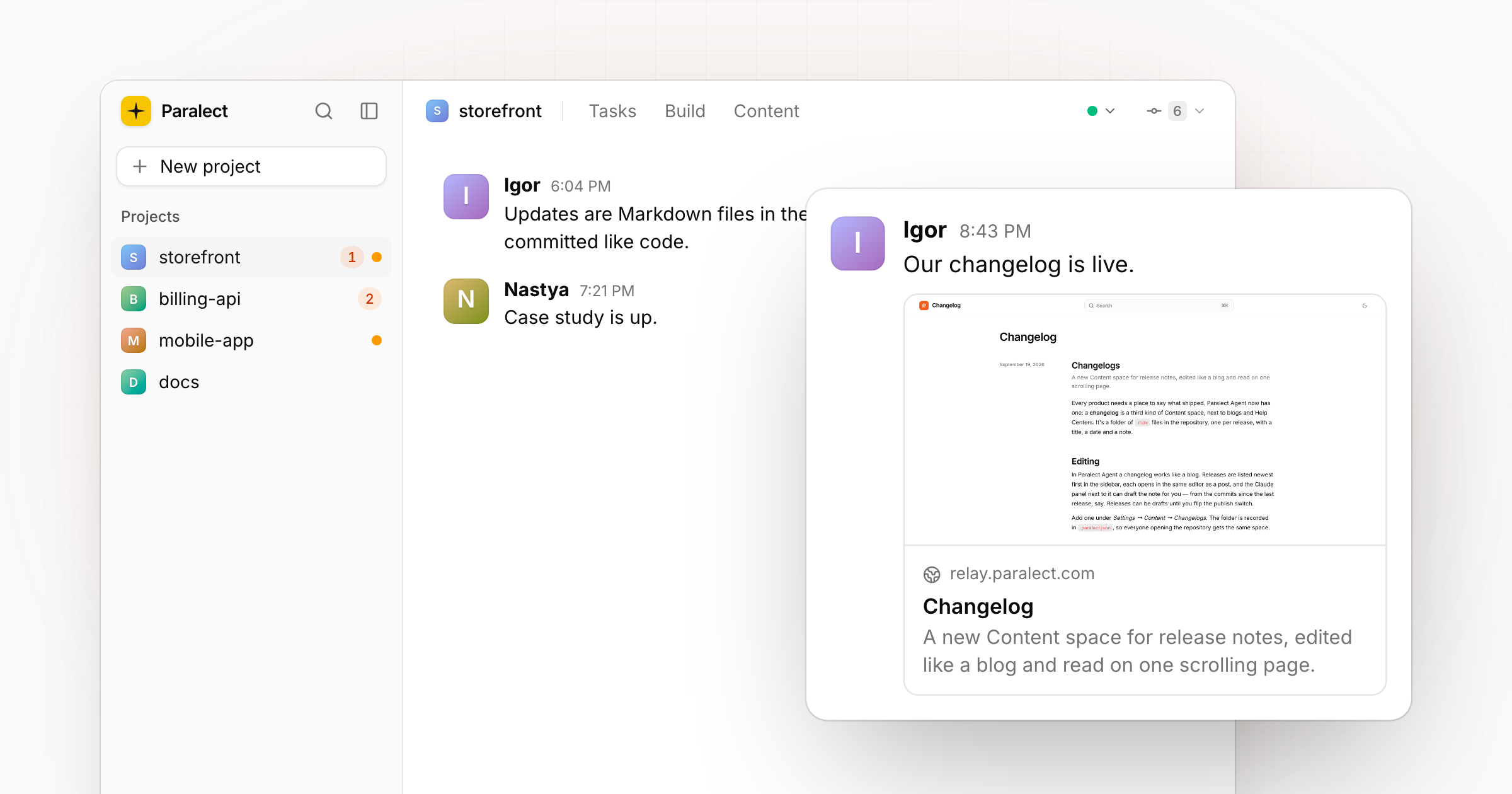
The biggest day so far. Updates became files you can review and commit, the Run window became the place to find a skill, and published pages started counting their readers.
Updates you keep in the repository
Every post in Updates is saved as a Markdown file in the project, in a folder you pick under Settings → Updates. You still write in the same chat-like feed; the file is written for you, and a file edited on disk shows up in the feed. A post says who it's from and when: set the author, picture and date when posting, or change them later.
Updates moved out of the header's tabs and into the Commit menu, next to the commits they usually describe.
Link cards
A link in a post becomes a card with the page's title, description and image, read from the page itself. Hover over a card to see the live page. Tweets, LinkedIn posts and Looms are embedded, and a link pasted into the box is previewed before you post.
The Run window
Run opens with suggested skills as cards with a preview of what they make, grouped under Reports, Website design, Images, Videos and Your skills, with every other skill listed below. New built-in skills:
- content-spaces adds a blog, a help center, a directory, a changelog or an updates feed to a project and fills it from the code.
- website-scroll records a scroll through any page as a short video.
- video-demo records a product demo of your running app, with a drawn cursor.
- SEO audit, og-image, website-designer and vibe-security come bundled.
A skill that needs no instructions, like an SEO audit, runs with an empty box.
Page views
Pick where your pages are measured under Settings → Content → Analytics: PostHog or Wave. Every published page then opens with its views and readers, and a click shows its top countries and referrers. In Build, the address bar shows the views of the page you're looking at and follows your clicks inside the preview.
Ask for status
A task that has been running for a while can be asked how it's going: Ask for status in the task's menu posts a progress update on demand.
Uploads on Cloudflare R2
Images and files you add to pages now go to a Cloudflare R2 bucket instead of Bunny CDN. Connect one under Settings → Connections. An upload whose public link doesn't load is refused with the fix spelled out, instead of leaving a broken image on the page.